Turn Captured Notes Into 7-Step ADHD Start Buttons
Convert captured notes into single, tiny start-button actions that trigger one visible nudge, so you'll reliably initiate tasks in minutes via 7-step PKM loops.
Why Notes Get Captured but Never Started
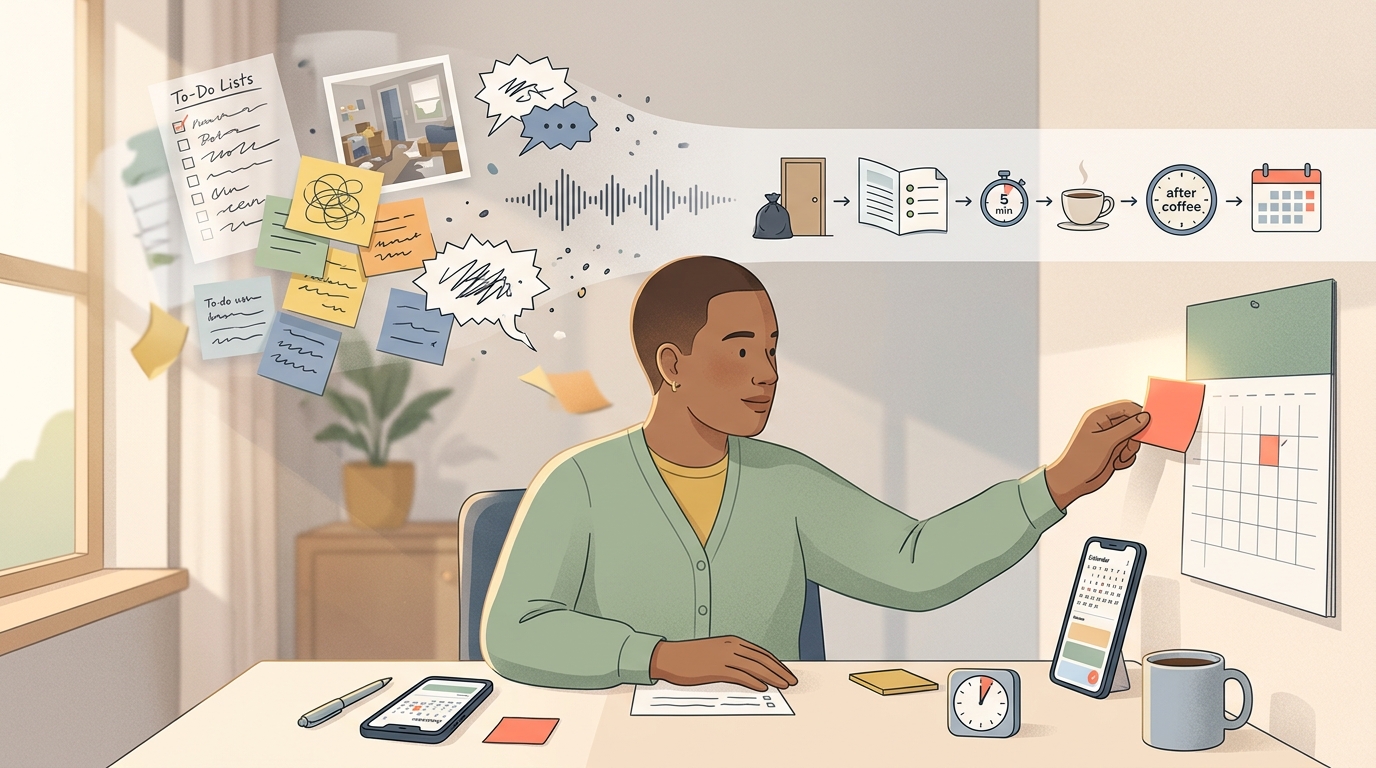
A captured note sits in your notes app, perfectly legible and completely untouched three weeks later. No amount of tidy folders fixes this: you know the task, you may even want to do it, and you still cannot begin.
For an ADHD brain, that inability to start is not a character flaw. Task initiation is a distinct executive function, the one that carries you from thinking to doing and organizes the first physical step. It runs on interest and dopamine rather than importance, which is why a boring-but-vital task can feel physically immovable while a shiny irrelevant one pulls you in. Layer on time blindness, where a five-minute job and a five-hour one feel identical, plus a working memory already carrying too much, and the starting line moves further away. None of that is laziness, and none of it is poor time management.
Procrastination and paralysis are different, and the difference changes what actually helps. Procrastination is choiceful: you delay a task you could do, usually in favor of something more appealing. Task paralysis is closer to a freeze, an involuntary state where you want to start and simply cannot, often because overwhelm or emotion has jammed the initiation circuit. A workflow that talks to you like you are just being lazy makes the freeze worse.
Part of why starting feels so heavy is that a single captured note secretly contains a stack of hidden sub-tasks you have to clear before your body moves:
- deciding whether this even matters right now
- estimating how long it will take
- sequencing what comes first, second, third
- choosing which tool or app to open
- regulating the anxiety or boredom the task triggers
Standard personal-knowledge-management advice never touches most of that. Capture and organization solve storage. They tell you where the thought lives and how to find it again. They say nothing about how to get your hands moving on it, which is exactly where ADHD workflows break.
The audience for this gap is not small. NIMH estimates put lifetime prevalence of ADHD among U.S. adults at roughly 8%, on the order of eleven million adults. That is a large group of people building capture systems that stay perpetually full and perpetually unstarted.
What a PKM Start Button Is and What Evidence Supports It
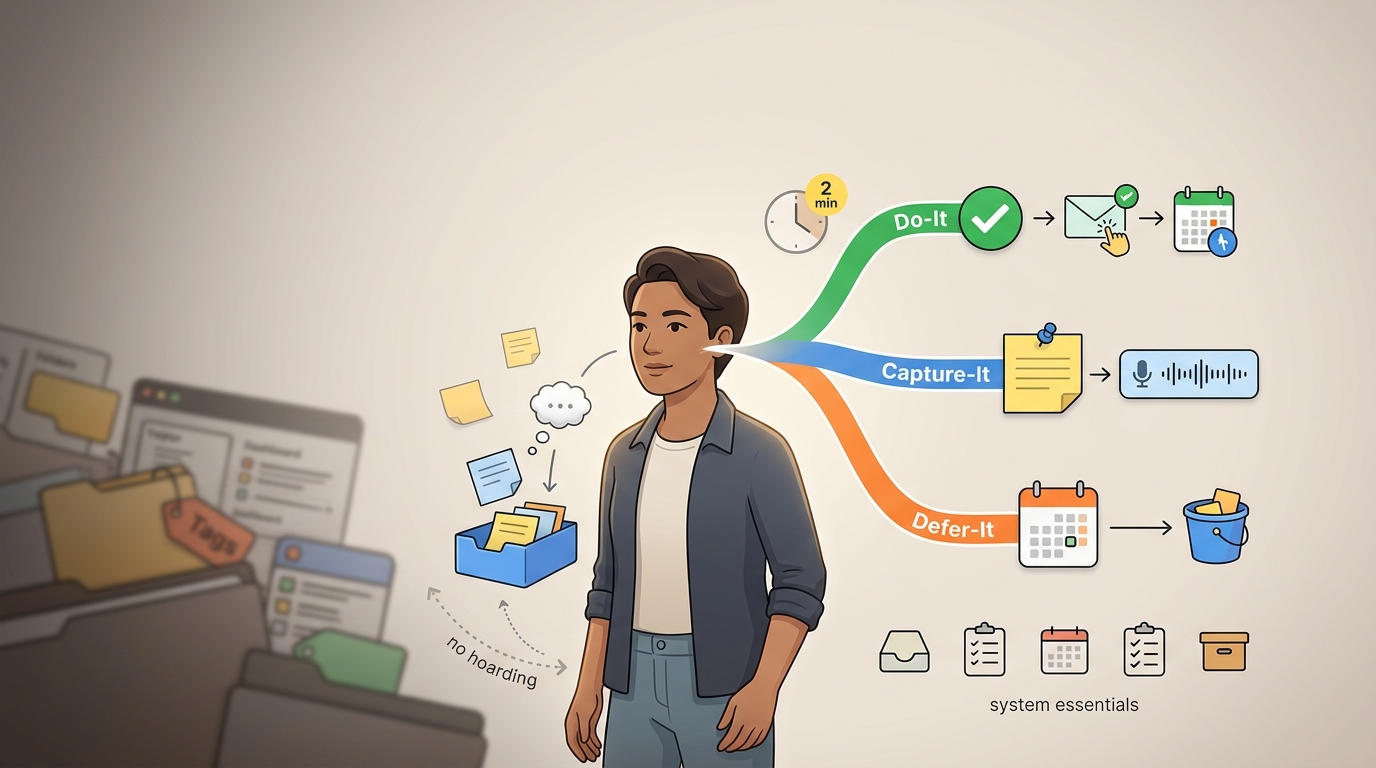
A start button is a small, repeatable workflow that takes one captured note and turns it into a single visible, low-friction cue to begin. Not a project plan. Not a tagged database entry. One nudge that says exactly what to do next and makes doing it easier than not doing it.
We want to be honest about what the research does and does not support here, because ADHD advice tends to overpromise. The strongest evidence sits with structured cognitive behavioral skills training for adult ADHD, where randomized trials show large reductions in symptoms (roughly a standardized effect of d ≈ 1.1) and moderate gains in day-to-day functioning (around d ≈ 0.5), with occupational and work domains often benefiting most (Safren et al.). That tells us skills training changes real outcomes.
The specific tactics inside a start button are on softer ground. The five-minute rule, breaking work into micro-steps, the Pomodoro timer, body doubling: these are clinically endorsed and heavily community-validated, and they have plausible mechanisms, but none of them is backed as a standalone intervention by its own randomized controlled trial. We use them because they are low-cost, reversible, and derived from tested principles, not because a trial proved each one in isolation.
The principle underneath all of it is behavioral activation. Its core move is counterintuitive and load-bearing: a small action can come before motivation instead of after it. You do not wait to feel ready. You take one tiny step, and the doing generates the wanting.
The last principle is minimalism, and it is a design constraint rather than a preference. Long strategy stacks and walls of reminders overwhelm ADHD users and become background noise. So the whole system is deliberately thin: it has one inbox, one extraction ritual, and one start cue.
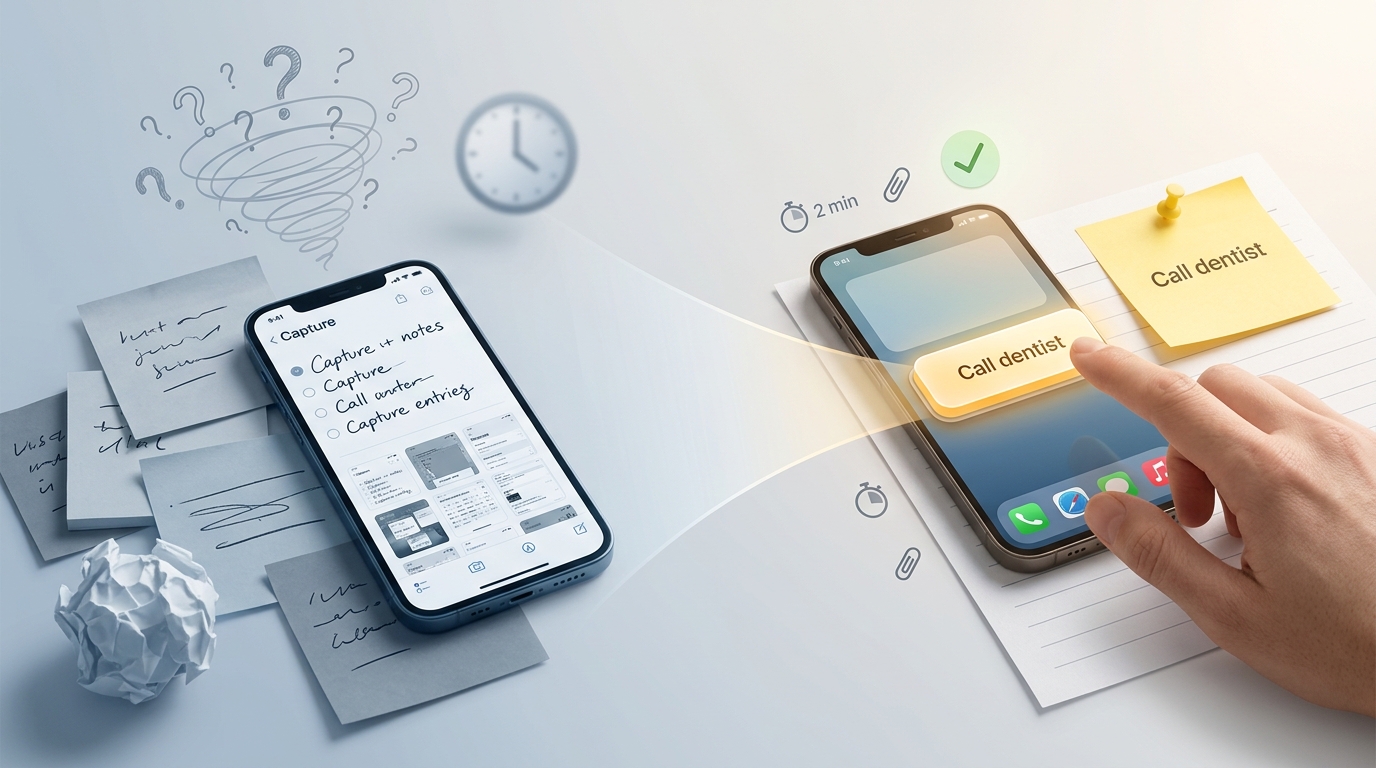
Here is the full workflow applied end-to-end, so you can see the seven steps below as one motion. When a note lands in the inbox reading "dentist thing," we flag it as a priority at the midday review and extract the next visible action, "Call dentist," verb first. We constrain it: the first step is dialing the number, under two minutes. We paste the phone number directly under the action so there is nothing to hunt for, then attach one nudge, a 2pm reminder with buffer, because the task depends on office hours. We move that reminder onto today's calendar between two existing blocks. At 2pm we tap the reminder, the number is right there, we call. Afterward we check off the micro-step, with the note becoming a started action, and everything below is that same loop, broken into steps.
Step 1: Set Up One Capture Inbox
Pick a single fast-capture surface and stop there. It can be Apple Notes, a daily note in whatever app you use, Google Keep, a message to yourself in a chat app, or one page in a paper notebook. The choice matters far less than the singularity. One place.
The inbox has to clear a hard bar: capture must start in under two seconds. If getting the thought in takes longer than that, you will lose it, and not the note, the momentum. That means:
- near-instant entry, no launch screen or template in the way
- voice or text, whichever is faster in the moment
- zero tagging, zero filing, zero folder decisions at capture time
Concretely, that looks like a home-screen widget you tap once, a lock-screen note, a Siri or voice memo you fire off mid-walk, a message to yourself, or one pinned page you always open to. Voice usually wins because your brain thinks faster than your hands type; a 30-second memo on a walk holds more useful thinking than the same minute spent typing.
The rule that keeps this from turning into a note graveyard: capture is allowed to be messy, ugly, half a sentence, but everything lands in one place only. The instant you have two inboxes, you have zero, because now you have to decide where to look.
Step 2: Run a 24-Hour Light-Touch Review
Every note gets processed within 24 hours, but the word processed is doing very little work here. The only goal of this pass is to create a next-action nudge without reorganizing anything.
Instead of leaving alerts firing all day, set three fixed review points: morning, midday, and early evening (Springer Nature). Fixed windows beat constant pings because constant pings are just noise you learn to swipe away, whereas a known slot becomes a habit your brain can rely on.
During review, here is what you explicitly do not do:
- no tagging
- no folder or project decisions
- no rewriting the note into something polished
You are scanning without curating. The single decision you make is which few notes become priority start buttons today. Everything else stays exactly where it is, in the inbox, unbothered. Trying to clear the whole inbox in one sitting is how the review itself becomes the task you can't start.
Step 3: Extract the Next Visible Action
Take a note you've flagged and ask one question: what is the next physical, visible action I could take on this? Physical and visible are the operative words, since feeling more organized is not an action, whereas standing up and putting a folder on your desk is, after which you apply the clinical breakdown test. Shrink the action until you look at it and genuinely think, that seems easy enough. If there is any hesitation, it is still too big, which means you should keep cutting. Start every action title with a verb, because the verb is what tells your body to move.
Here is how messy captures become first actions:
- Research dentist → Call dentist
- Idea for article → Open draft
- Need to do taxes → Put tax folder on desk
- Fix website issue → Open bug report
Each transformation strips a vague intention down to one thing your hands can do in the next minute (MyLifeNote).
[Screenshot: side-by-side of a messy captured note on the left and its single extracted first action on the right.]
Step 4: Constrain the First Step to Two Minutes or Less
The first step has to be tiny for a mechanical reason: micro-starts drop the activation energy below your resistance threshold. Above the threshold, you freeze, while below it you move, with two minutes as the target ceiling.
Apply one of these constraints to force the step small:
- the five-minute rule: commit to five minutes and nothing more
- a 10 to 15 minute starter block if the task genuinely needs a runway
- a single physical motion, like putting one mug in the sink
For people who cannot feel duration, clock-based framings are useless. Translate time into something your body knows: as long as it takes to fry an egg, walk two blocks, or listen to two songs. Those are perceivable in a way that fifteen minutes often isn't, so lead with the interest-based sub-step. If part of the task is mildly enjoyable, or at least less awful, start there and let the momentum carry you into the harder part. Interest is fuel for the ADHD brain, so spend it deliberately.
Finally, attach the first resource you need directly to the action. The phone number, the link, the document, the checklist, whatever the task requires to begin, lives right next to the start button. If you have to go hunt for the number before you can call the dentist, the hunting becomes a fresh obstacle and you stop.
Step 5: Attach One Nudge Where Starting Happens
Pick exactly one nudge type per start button. One. Stacking several is how a helpful cue turns into wallpaper you ignore (ADDitude). Here is the menu, and you choose a single item from it:
- Time-based: a reminder or calendar event tied to a specific hour, with buffer built in. If you estimate 20 minutes, schedule 30, because ADHD time estimates run short.
- Context-based: an if-then trigger, like when I open the laptop, I open the bug report.
- Energy-based: label the action low, medium, or high energy so you can match it to the capacity you actually have, not the capacity you wish you had.
- Location-based: tag it home, office, or errand so it surfaces where you can act on it.
- Visual: a pinned note, a widget, or a physical sticky note placed directly in your path.
- Social: a message to a body double or accountability partner announcing you're about to start.
- Friction-reduction: the linked resource from Step 4 becomes the nudge itself, so tapping the reminder drops you straight into the action.
Use a simple decision rule to pick the one type. If the task depends on a deadline or a specific hour, choose time-based. If it depends on being in a particular place, choose location-based. If it depends on being at a device, choose context-based. If reminders and calendars tend to become noise for you, choose visual or social instead.
One important caveat: some ADHD users find reminders and calendars actively unhelpful, because a badge they've dismissed a hundred times carries no signal. Treat this as an experiment. Test a single nudge type on a few start buttons, and if it becomes background noise, drop it and try a different type. The nudge that works for you is a matter of discovery over prescription.
[Screenshot: a calendar event and a reminder, each carrying its start-button text and its linked resource.]
Step 6: Place the Start Button on Today's Trusted Surface
The nudge cannot stay buried in the note. Move it onto the one surface you genuinely look at every day, whether that is a daily note, a calendar block, a reminder list, or a home-screen widget. In a tool like Yaranga, that surface is the Today tab, where the extracted task appears alongside your events and still links back to its original note so context is never lost.
Show only one start button at a time. When ten actions are visible, your executive function spends its budget choosing, and choosing is precisely the sub-task that paralyzes (Scheibehenne et al.). One visible button removes the choice.
Time-block the action next to your real commitments. When it sits on the calendar between a meeting and lunch, it has to compete for an actual slot instead of just competing for attention, and attention is a fight it loses. A slot is harder to ignore than an open-ended someday.
At the moment of action, you can bolt on an optional starting trigger to break inertia: a timer counting down, a body double on a video call, or an environment change like clearing the desk, putting headphones on, and turning notifications off. Pick whichever reliably flips you from stalled to moving.
Step 7 is to add a lightweight verification step that confirms you started, not that you finished. The metric is initiation, full stop. Whether the task got completed is a separate question that this system deliberately does not ask.
Keep verification almost weightless:
- check off the micro-step
- write a one-word note that says started
- send a one-line reply to your body-double message
That is the entire ceremony. Tracking completion here backfires, because the moment your system grades you on finishing, it reintroduces perfectionism and all-or-nothing thinking, and an ADHD brain will happily conclude that if it can't finish, there's no point starting. That is the exact loop we are trying to break.
Use the visible checkmark as momentum evidence. You started, and now the choice is honest: continue riding the momentum, or stop cleanly at the end of the starter block. Both count as a win, because both mean the note became a started action instead of a bookmark.
Build This in the Tool You Already Use
Before you go shopping for a new app, build the start button inside the one you already have. App-switching feels productive and is very often procrastination wearing a costume: setting up a fresh system is easier and more novel than doing the task, which is exactly why the brain reaches for it. Here is how the workflow maps onto common tools.
- Apple Notes plus Apple Reminders: capture in Notes, extract the next action into a Reminder with a time and a linked resource pasted in.
- Obsidian or Logseq: use the daily note as the inbox, extract the next action as its own block, and backlink to the project note so context stays one click away.
- Notion: workable only if you force a flat default and one action per view. Its many database options can turn start-button time into schema-design time.
- TickTick or Todoist: write the verb-first task and use the built-in Pomodoro or focus timer as your starting trigger.
- Google Calendar or Google Keep: time-based nudge with buffer in Calendar, fast voice capture in Keep.
- Paper notebook: one inbox page, the next action drawn in a box so it stands out, and a sticky note relocated into your physical path as the visible cue.
- Yaranga: capture notes and tasks in one place, let it pull the actionable item out of the note, and send the extracted verb-first task to the Today tab with its note linked behind it. Tag if you want to; you don't have to.
| Tool | Capture speed | How it holds a nudge | How to create the start button |
|---|---|---|---|
| Apple Notes + Reminders | Fast (widget, Siri) | Time reminder | Note → Reminder with time + pasted resource |
| Obsidian / Logseq | Medium | Visual (pinned block) | Daily-note block → backlink to project |
| Notion | Medium | Any, database-driven | Flat view, one action per view |
| TickTick / Todoist | Fast (quick-add) | Time + built-in timer | Verb-first task + focus timer |
| Google Calendar / Keep | Fast (voice in Keep) | Time block with buffer | Keep note → Calendar block + buffer |
| Paper notebook | Very fast (always on) | Visual (sticky note) | Boxed next action + sticky in path |
| Yaranga | Fast (quick capture) | Time (Today tab), linked note | Extracted task → Today, note linked |
The point is not which tool. It is that the same seven-step loop fits inside all of them, so switching tools does not solve a friction problem the workflow already handles.
Common Mistakes That Kill the Start Button
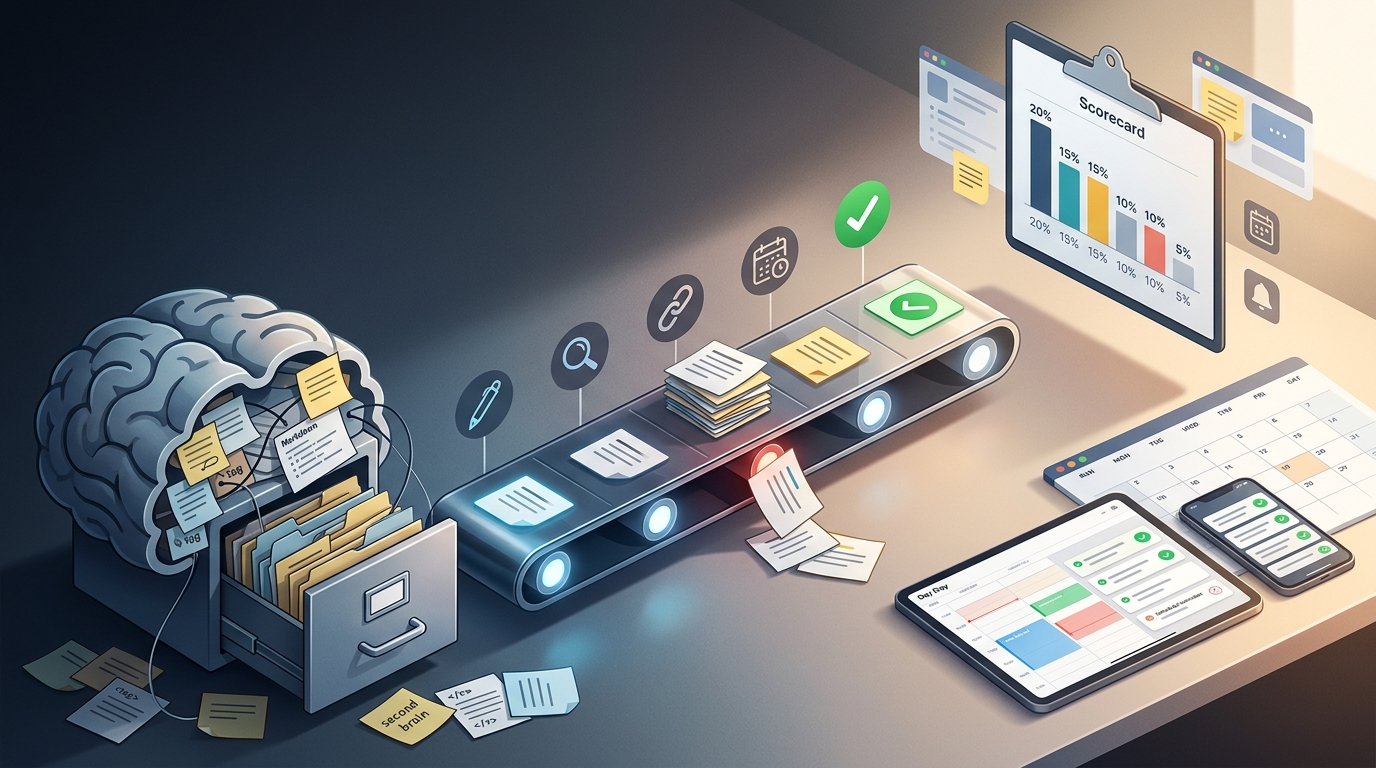
- Building a perfect second brain instead of one working inbox. The system that catches thoughts beats the elegant one that stays empty.
- Capturing endlessly without ever clarifying a next action. A note without an action is just a bookmark.
- Leaving the first step too large to begin. If you hesitate looking at it, it isn't small enough yet.
- Setting a reminder with no context and no linked resource, so it fires, you dismiss it, and it becomes noise.
- Over-tagging and folder-building that feels productive but delays the actual work (The Decision Lab). This is the Notion overwhelm pattern: hours of structure, zero tasks started.
- Stacking three nudge types on one task, which cancels the signal of all three.
- Switching apps to solve a friction problem that a workflow would fix. The new app has the same gap.
- Tracking completion instead of initiation, which quietly reintroduces the shame that froze you in the first place.
What to Set Up First This Week
Do one thing today: choose a single inbox and route every capture into it for seven straight days before you change anything else. Not the extraction, other than the nudges the one landing spot. Resist the urge to optimize the rest until capture is automatic, because a habit you can trust is worth more than a system you keep redesigning.
Watch one metric, and only one: the number of notes that became a started action. Not notes captured, which measures nothing but input, and not tasks finished, which drags perfectionism back in. Started actions is the number that tells you the gap is closing.
The place people stall next is predictable. Most skip the two-minute constraint from Step 4, keep their first steps a little too big, and then blame the nudge for not working. When starting stops happening, the lever is almost never more reminders. It is shrinking the first step further, until you look at it and think, honestly, that seems easy enough.
Ready to conquer your chaos?
Join others who have simplified their tasks and notes with Yaranga.
Get Started for Free