Why Yaranga Kills Your Todo App With 2 Keystrokes
Analysis shows Yaranga embeds tasks inline in rich notes to eliminate context-switching and staleness, reducing cognitive load and improving capture accuracy!!!
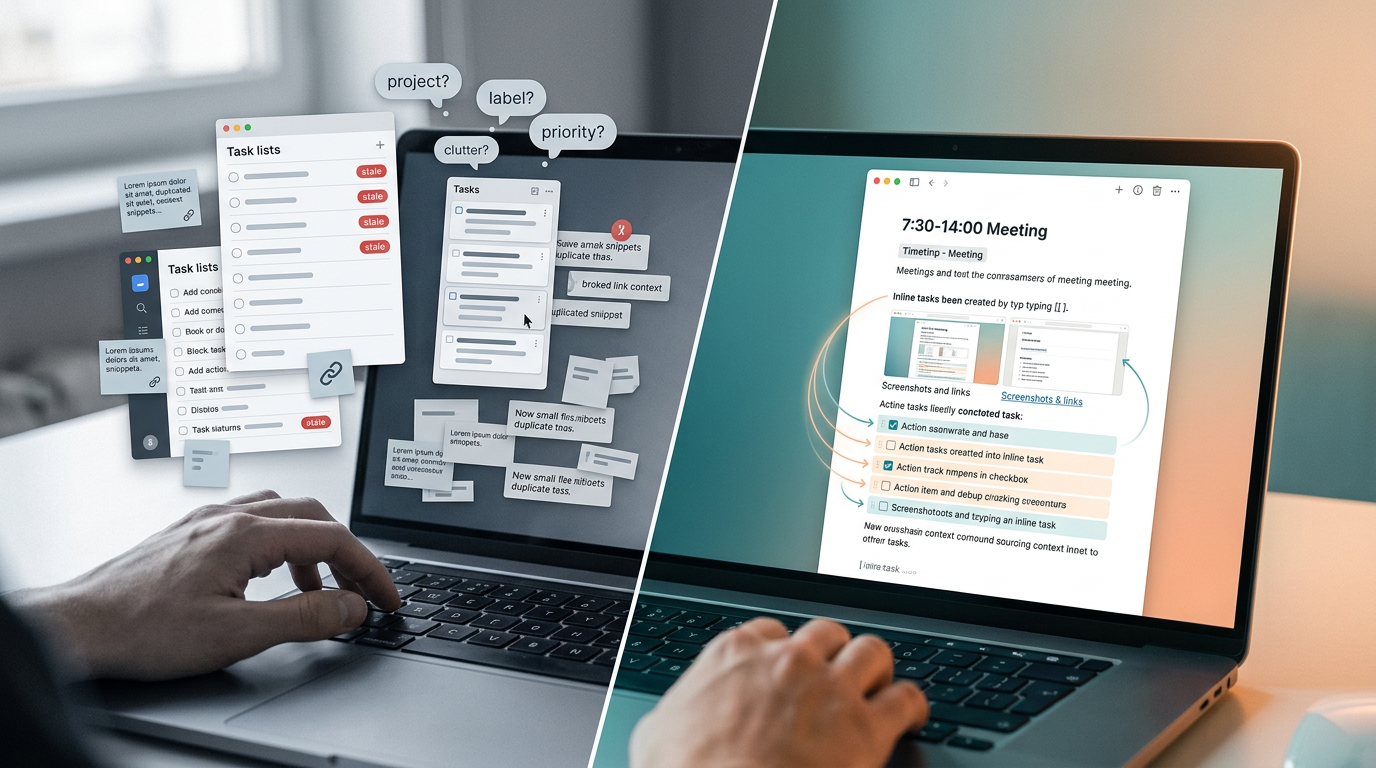
Why Traditional Task Trackers Force You to Separate Tasks from Context
Most task management apps share the same architectural assumption: tasks belong in lists, and everything that explains those tasks (meeting notes, research, reference links, screenshots) belongs somewhere else. The task exists in isolation, while the context that gives it meaning lives in a completely different app or document. Every time you need to remember why a task exists, you're swimming back to a separate shore.
This creates three specific friction points worth naming.
Context duplication. When you create a task in Todoist, Google Tasks, or Microsoft To Do, you need to manually reproduce the relevant background inside the task description. That means copying paragraphs, pasting links, or writing a summary from scratch. You're doing double data entry: once in your notes, once in your task app.
Lost task-to-source relationships. A task says "Revise pricing section per client feedback." Which client? Which feedback? Which version of the document? The connection between the action item and the conversation that produced it evaporates the moment you move the task into a separate system.
Context switching during capture. You're mid-thought, writing meeting notes, and you realize something needs to happen by Friday. To capture that task properly, you have to leave your notes, open a different app, find the right project or list, type the task, add metadata, and then navigate back to your notes. By the time you return, the thread of the conversation may have moved on without you.
Example: A 30-minute product sync generates five action items. Each one emerged from a specific part of the discussion. In a traditional workflow, you'd copy (or re-type) the relevant context into each task, link back to the meeting notes, and hope you got the right details. That's five context transfers, and each one is an opportunity for something to go missing.
What Happens When You Copy Context into Tasks (And Why It Breaks Down)
The most common workaround is straightforward: copy the relevant paragraphs, links, or images from your meeting notes and paste them into the task description. It works. For about two days.
The staleness problem. Meeting notes evolve. On Tuesday you capture the initial discussion. On Thursday, someone shares three new reference links in the follow-up thread. You update your meeting notes. But those five tasks you created on Tuesday? They still reference Monday's version of reality. There's no automatic propagation. Every task becomes a snapshot frozen in time, slowly drifting away from the truth. Once you have many active tasks derived from the same source document, keeping all of them current becomes a maintenance job in itself.
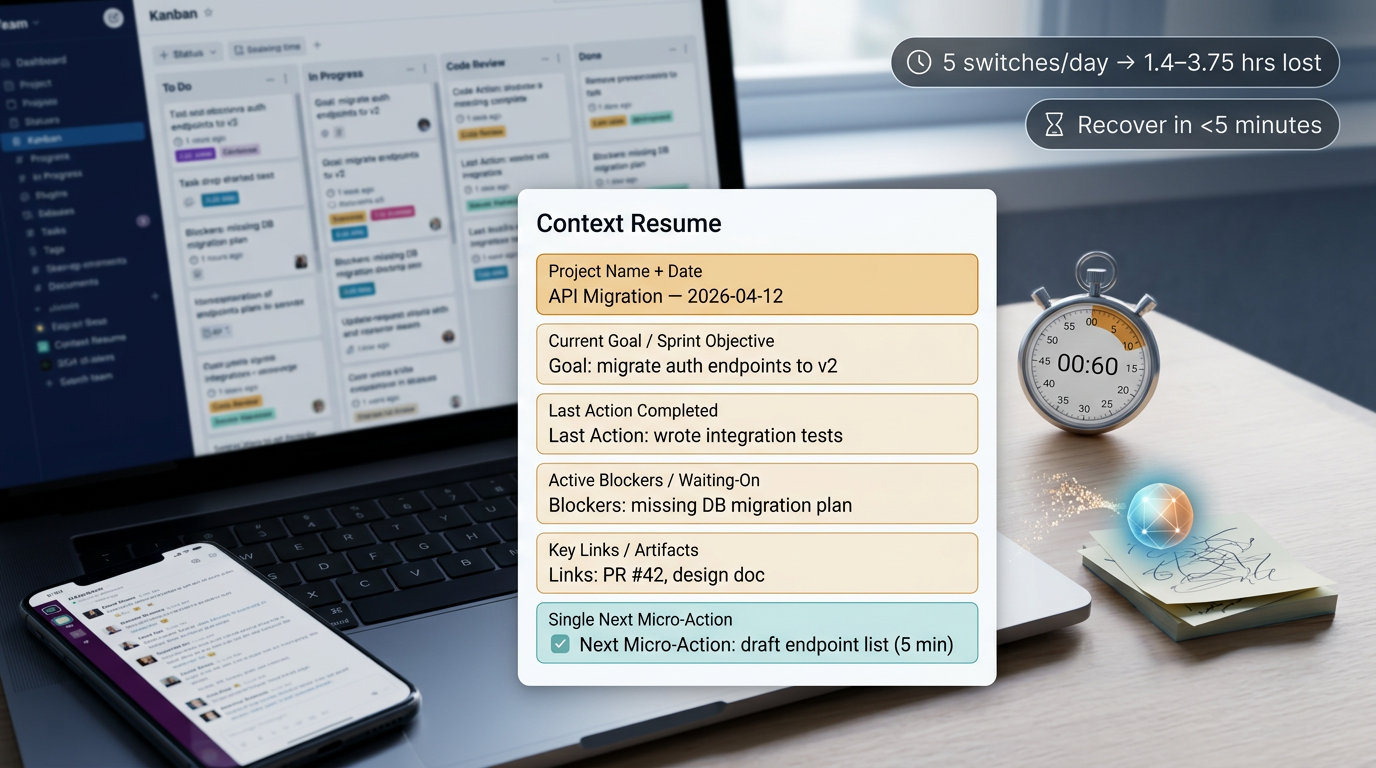
The link-insertion alternative. Instead of copying context, some people paste a link to the source document inside the task. This is lighter than full duplication, but the friction compounds. You need to switch to your notes app, locate the specific note, copy its URL, switch back to your task app, and paste the link. When you later need that context, you click through the link, wait for the document to load, and scan for the relevant section. Multiply this by dozens of daily tasks and you're spending a meaningful chunk of your working day just navigating between two apps.
Concrete scenario: You run a Monday planning meeting and create five tasks in Todoist, each with a brief description referencing the meeting notes. By Thursday, the meeting notes have grown: three new links were added, a screenshot of the revised wireframe was inserted, and a paragraph clarifying the client's budget constraints appeared. Your five Todoist tasks still reflect Monday's snapshot. You either update each one manually (and remember to do so) or accept that your task descriptions are permanently behind.
Both approaches fail for the same underlying reason: the task and its context are stored in different places, so any change to the context requires manual effort to propagate, and that effort scales with the number of tasks.
How Yaranga Embeds Tasks Inside Rich-Text Documents
We built Yaranga around a different premise: tasks shouldn't be separated from the context that created them.
Here's the core mechanism. You're writing a rich-text note in Yaranga. A meeting note, a brainstorm, a client brief, anything. Mid-sentence, you realize something needs to happen. You type [], and a task is created right there, inline, inside the document. No app switch. No copy-paste. No required metadata decisions at capture time (though you can optionally add tags, schedule dates, or mark tasks as Important later if you want). The task lives where you wrote it.
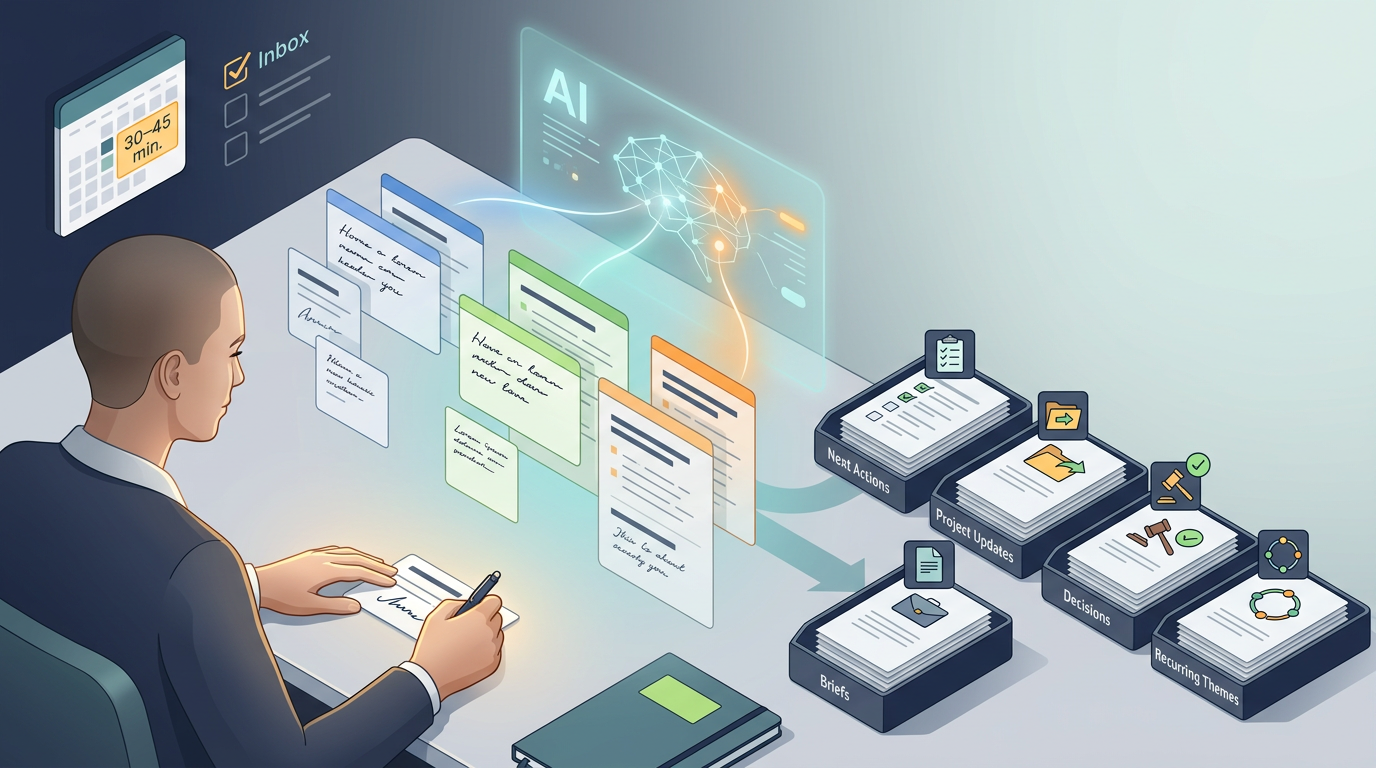
Let's walk through the meeting scenario again. You're in a product sync. You're typing notes as the conversation moves. Someone mentions that the pricing page needs to be revised before the next sprint. You type [], write "revise pricing page with updated tiers," and keep typing your notes. Two minutes later, another action item surfaces. Same process. By the end of the meeting, your document contains the full narrative of the discussion and all five action items, each one sitting in the exact spot where it emerged from the conversation.
Completed and incomplete tasks remain visible inside the document. When you return to these notes a week later, you can see what was discussed, what was decided, what's been done, and what's still open. The full story is there, not scattered across two apps.
And here's where the staleness problem dissolves. When you edit the note (add new links on Thursday, insert a screenshot on Friday), every task within that document inherits the updated surrounding context by proximity. You're not maintaining separate copies. The task and its context are the same document. Update one, and the other stays current by definition.
The Cognitive Load Difference Between Notes-First and Lists-First Workflows
Cognitive load, in this context, means the mental energy spent on decisions that aren't the actual work. Where does this task go? Which app do I open? What project should I file it under? Do I need a label? A priority flag? A due date right now?
In a lists-first workflow (the default model in Todoist, Google Tasks, Microsoft To Do), capturing a task requires at minimum one app switch and a cascade of micro-decisions. You need to pick a project. Decide on a label. Choose a priority. Maybe add a due date. Each decision is small, but they stack. During a fast-moving meeting, this overhead can mean you either capture the task incompletely or miss the next part of the conversation.
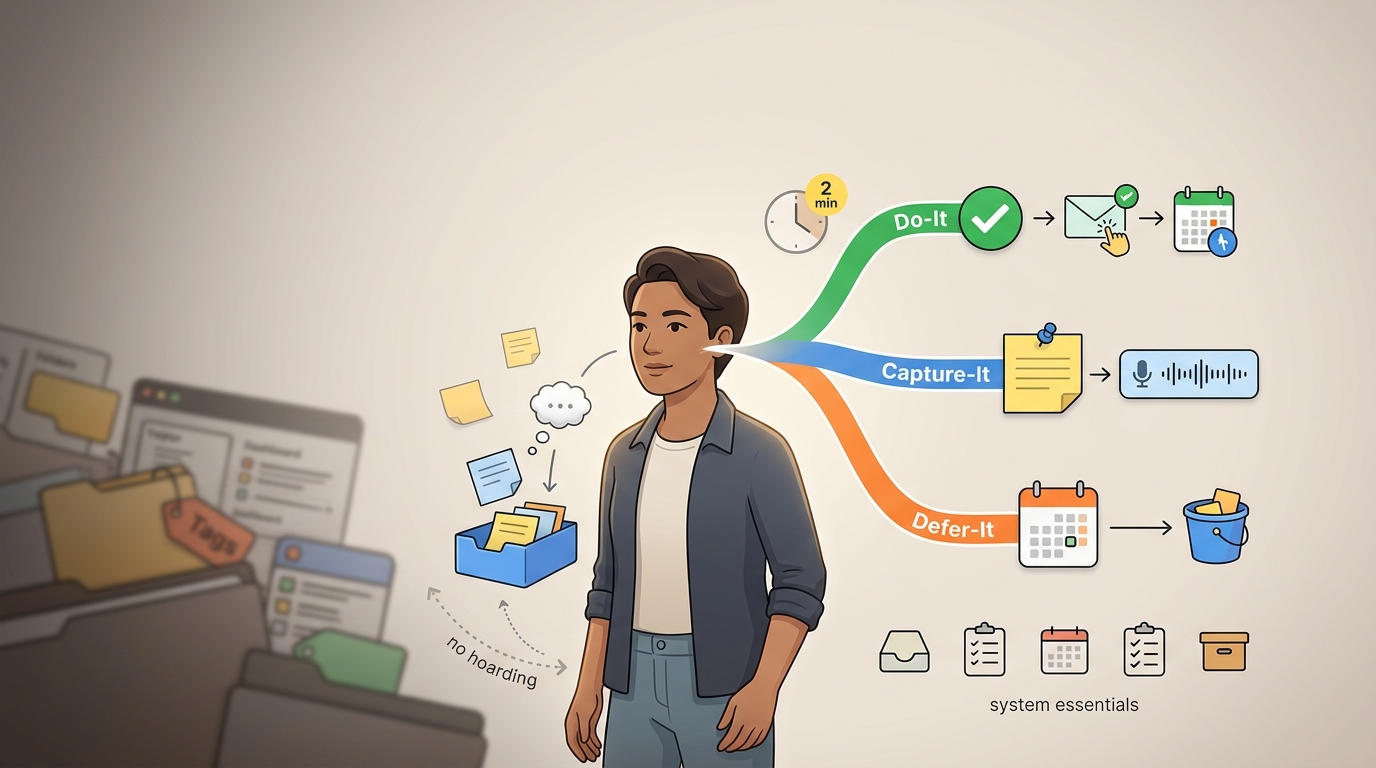
In a notes-first workflow, the task goes where your attention already is. You're writing. You realize something needs doing. Two keystrokes ([]) and the task exists. No project selection. No priority dropdown. No context switch. Your focus stays on the conversation.
This matters more than it sounds. working memory, the cognitive function you use to hold a chain of steps in your head ("I need to open the other app, find the right list, type the task, add the details, come back here"), is a limited resource for everyone. For neurodivergent users, particularly those with ADHD, working memory interruptions can be especially disruptive. The more steps between "I realize this needs doing" and "the task is captured," the higher the chance that something gets dropped.
But this isn't only a neurodivergent consideration. Anyone sitting in a meeting that moves quickly, where decisions happen in rapid succession, benefits from fewer decisions at the moment of capture. The less mental overhead involved in getting a task into your system, the more likely you are to actually capture it. And the more context that task retains when you return to it later, the less time you spend reconstructing what it meant.
Where Todoist and Traditional Trackers Still Have the Advantage
We're not going to pretend that Yaranga replaces every function of a mature task management app. It doesn't, and being honest about that is more useful than pretending otherwise.
Natural-language date parsing. Todoist handles input like "every first Wednesday of the month" and other complex recurring patterns. If your workflow depends on intricate recurring schedules, this is a genuine strength that Yaranga doesn't currently match.
Ecosystem maturity. Todoist offers around 80+ third-party integrations. Yaranga currently integrates with four services: WhatsApp, Gmail, Telegram, and Google Calendar. For users whose workflows depend on piping tasks into and out of a wide ecosystem, Todoist (and similar mature trackers) offer far more connective tissue.
Cross-platform depth. Todoist provides native desktop apps, Apple Watch support, and system-wide quick capture tools. Yaranga doesn't yet have the same breadth of platform coverage.
Recurring task management and deep project hierarchies. If you need nested sub-projects, complex filter views, and detailed recurring patterns, traditional trackers were built for exactly this. Yaranga's project structure is intentionally simpler, which is a feature for some users and a limitation for others.
Pricing at a glance:
| | Todoist | Yaranga |
|---|---|---|
| Paid plan | ~$5/month | $5/month (Pro) |
| Free tier | Available | Yes (50 notes) |
| One-time option | None | $99 Early Adopter plan |
For users evaluating cost, Todoist's paid tier is less expensive per month, while Yaranga's one-time Early Adopter plan may appeal to users who prefer a single purchase.
Who Benefits Most from Replacing a Task Tracker with Yaranga
Not every workflow calls for the same tool. Here's where Yaranga's notes-first approach makes the biggest difference.
Meeting-heavy professionals. If the majority of your tasks originate from conversations, syncs, and written notes rather than standalone to-do items you think of independently, embedding tasks inside those notes eliminates the translation layer between "what was discussed" and "what needs to happen."
Freelancers, consultants, and startup founders. People who think in documents, not in rigid project hierarchies. Your client notes, your strategy brainstorms, your research, all of it can contain tasks without forcing you to maintain a parallel system. Yaranga was designed for exactly this kind of fast-moving, multi-project life.
Users overwhelmed by organizational overhead. If you've ever spent more time setting up labels, nested projects, and filter views than actually doing the tasks, a simpler system that asks less of you at capture time may genuinely change how consistently you use it. The best productivity system is the one you don't abandon after two weeks.
ADHD-affected users seeking minimal capture friction. For people who find over-structuring counterproductive, who lose momentum the moment they have to navigate a complex app hierarchy, the two-keystroke inline task creation removes most of the barriers that cause abandonment. You don't need to decide where the task goes. You just create it where you already are.
An honest boundary. If your work requires complex recurring schedules ("every second Thursday of the month, except holidays"), large-team task delegation with permissions and roles, or extensive third-party integrations tying your task manager to a dozen other tools, you'll find traditional task management apps more complete for those needs. Yaranga's strengths sit in a different zone: the place where thinking, writing, and doing overlap.
What We Recommend Trying in Your First Week
Pick one recurring meeting. Just one. Next time that meeting happens, open a new Yaranga document and capture everything there: the discussion points, the decisions, the action items. When an action item comes up mid-conversation, type [] and keep going. Don't open any other app. Don't worry about filing the task into a project hierarchy. Just write.
At the end of the week, go back to that document. Notice how each task sits inside the exact context that produced it. Notice that you can see which items are done and which are still open without switching to a separate view. Now try the same exercise with your old task tracker: find the meeting's action items, then try to reconstruct the context behind each one. How many clicks does it take? How many apps?
Here's a specific thing to track: during your next meeting, count how many times you switch between apps to capture an action item. If you're using Yaranga for the full meeting, that number should drop to zero. Not because app-switching is impossible, but because the task and its context never need to be in different places to begin with. That single change, tasks and notes living together, is the whole point.
Useful materials
Ready to conquer your chaos?
Join others who have simplified their tasks and notes with Yaranga.
Get Started for Free