8 AI PKM Apps vs. Capture-First Workflows in 2026
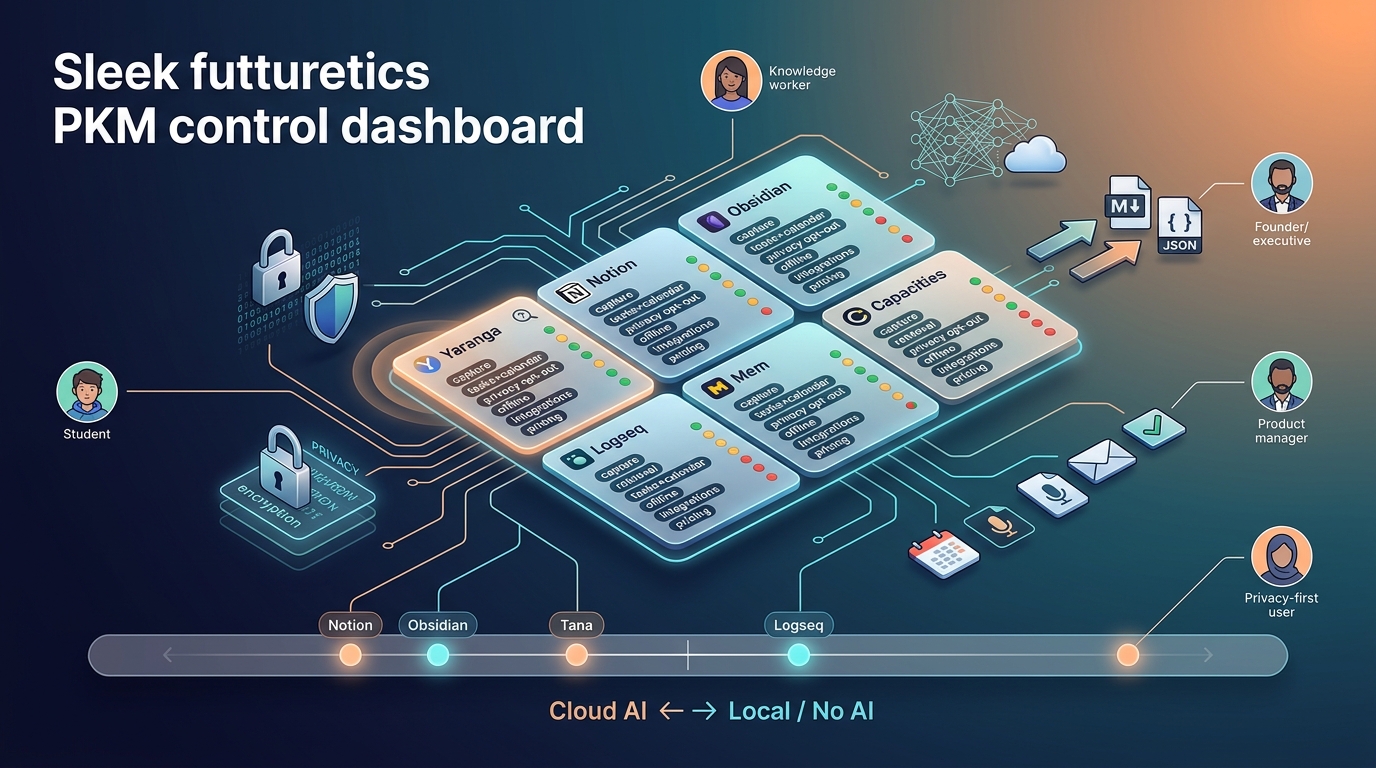
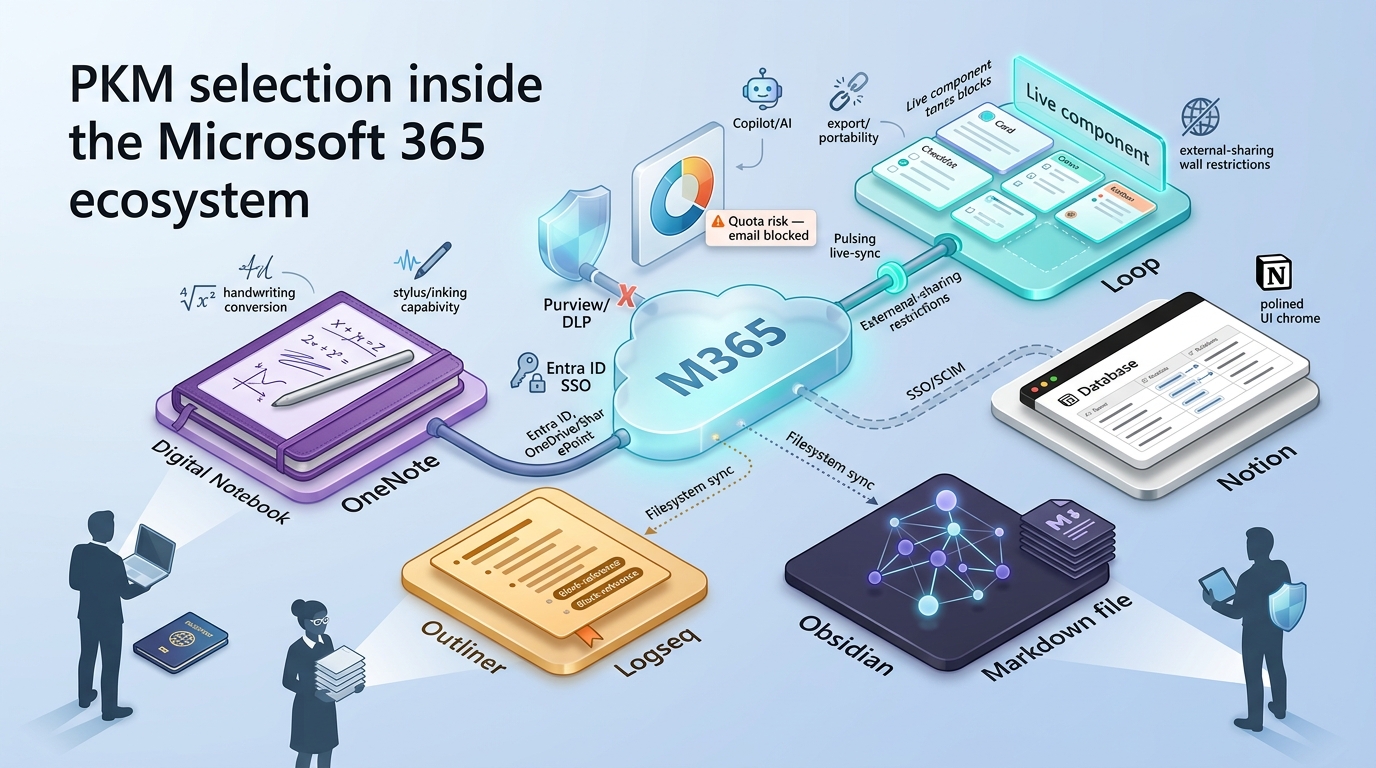
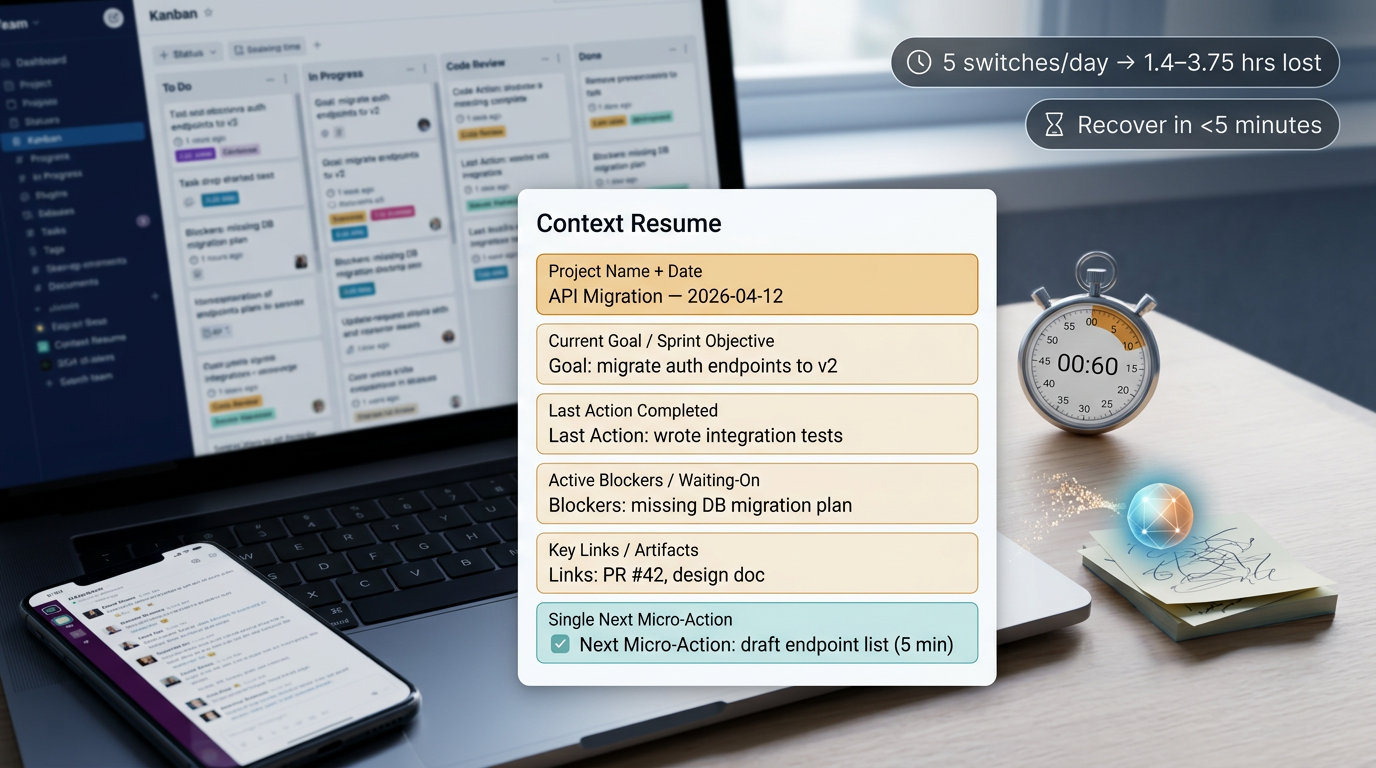
Compare capture-first AI PKM apps: Yaranga for fast mobile capture and tasks, Notion for cited AI search, Obsidian & Logseq for local ownership and researchers.
How We Approached This Comparison
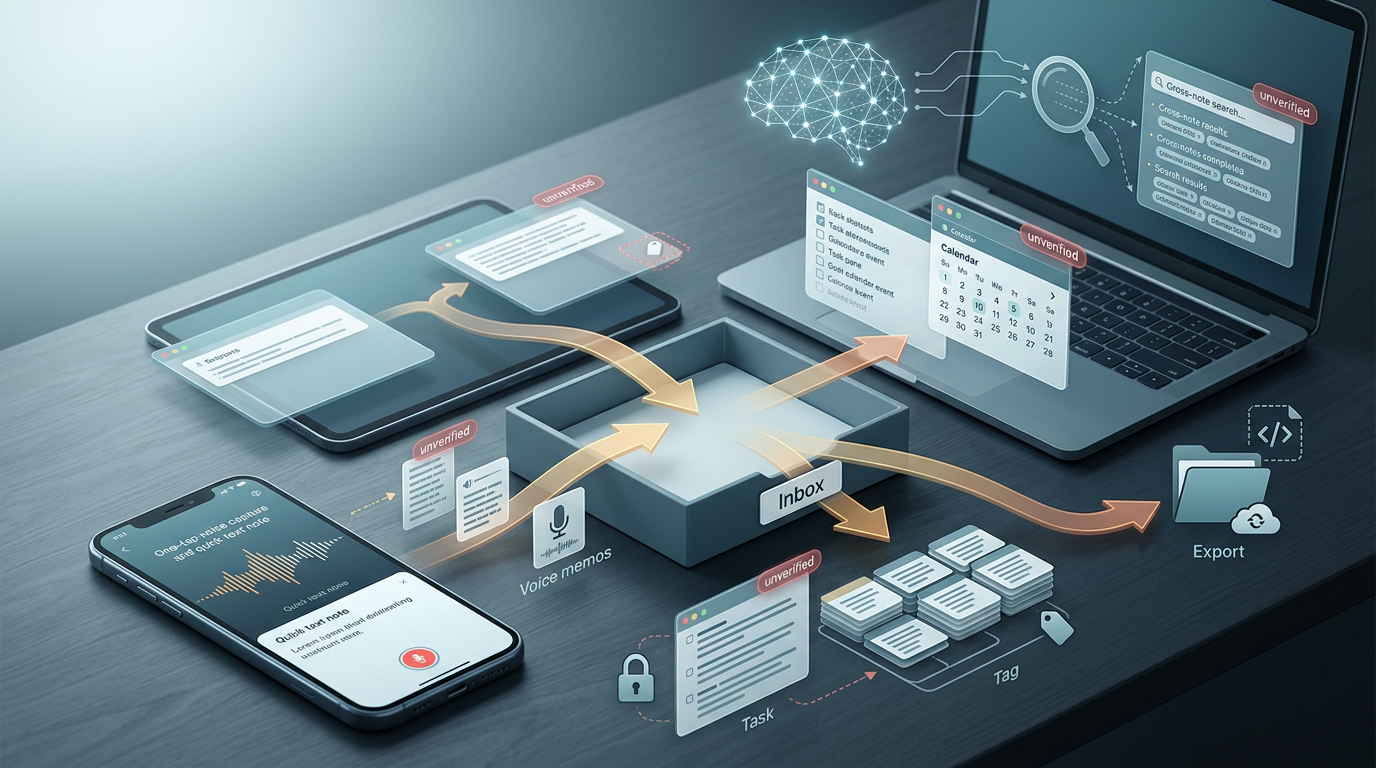
The question we set out to answer is narrow on purpose: which AI personal knowledge management apps actually support a workflow that runs from capture to execution, rather than the apps that reward you for building the deepest note-linking graph. Those are different goals. A tool can have a beautiful backlink structure and still lose the idea you had at a bus stop because opening it felt like work. We weighted the path an idea travels, from the moment it arrives to the moment it becomes a task you finish.
The evidence base is uneven, and we would rather say so than pretend otherwise. Primary feature data is reasonably strong for capture-companion tools and for a few of the full PKM systems where the architecture is publicly documented and independently verifiable. For several tools, the claims circulating online describe features that we could not confirm against current product documentation. Wherever that is the case, we mark the claim as unverified and treat it as a hypothesis you should test yourself, not a score you can rely on.
A note on dating. Most of the primary sources we could verify are from 2024 or earlier, and this is a fast-moving category where AI features ship and change in months. We apply a 2026 framing to the analysis, but the underlying facts carry the dates of their sources. Treat any specific feature claim as something to re-check against the product itself before you commit money to it.
Scope is also deliberately limited. This is about personal, capture-first workflows for one person with one brain. It is not a comparison of team knowledge bases, and it is not a roundup of dedicated meeting transcription tools, which solve a different problem and sit outside the PKM category.
What a Capture-First PKM Workflow Actually Is
Personal knowledge management is the practice of moving information from the outside world into a system you can act on later (Wiley / Frand & Hixon). A capture-first version of it follows a recognizable sequence: you capture the input, clarify what it means, connect it to what you already know, act on the parts that demand action, review the collection on a cadence, and retrieve specific items when you need them. The order matters because friction at the first step quietly poisons everything downstream. An idea you never captured cannot be clarified, connected, or acted on.
The distinction between a capture tool and a full PKM system shows up most clearly in how each handles the holding period. A capture tool tends to behave like a temporary inbox or a bridge: you drop something in, it holds it for a day or two, and then you route it to a permanent home. A full PKM system is that permanent home. Some products try to be both, and the tension between fast capture and durable organization is where most of them either succeed or quietly fail.
One structured example worth knowing is Ernest Chiang's seven-step model, which breaks the same loop into input sources, processing tools, an inbox, a scoring step, distilling, executing, and expressing. We reference it as one valid method among others as one practitioner's well-documented attempt to make the sequence explicit, which is more than most informal advice offers.
On the smaller mechanics, there is a forum-level consensus among PKM practitioners worth noting: keep tagging minimal, often a single relevant tag per note, and review the inbox on a weekly cadence rather than constantly. We flag this as consensus among practitioners rather than a controlled finding. The seven-step model above is one person's opinion. The weekly review cadence and minimal tagging recur across enough independent users that they carry more weight, though neither is a benchmark in the experimental sense.
Quick Picks by User Type
These are provisional, and the qualifier matters: the tool-specific scores behind them require verification against current documentation, because several of the feature claims we are working from could not be independently confirmed. Treat each suggestion below as a starting hypothesis, not a ranking.
- Students taking notes beside course content. The defining scenario is typing or recording while a lecture or video keeps playing, then finding that note again weeks later during revision. Speed of capture and reliable retrieval outweigh structural depth here. I’d test Yaranga and Notion first for AI-assisted retrieval, and Obsidian if local file ownership matters more than capture speed. All require verification of their mobile capture path.
- Researchers. The scenario is collecting many sources over months and needing to connect them later. This is the one persona where deep linking and a destination hub genuinely earn their keep. I’d test Obsidian first as a documented destination hub, with Tana and Logseq as outliner-based alternatives whose workflow claims remain unverified.
- General knowledge workers. The scenario is fragments arriving all day across chat, email, and meetings, with no time to file them in the moment. Capture breadth and an inbox that does not nag are the priorities. Yaranga and Notion are worth testing first, Yaranga for its claimed chat-and-voice capture and Notion for breadth, though both are pending verification.
- Task-focused users. The scenario is that most captured notes contain a hidden to-do, and the value of the tool is whether that to-do reaches a task system without manual re-entry. Worth testing first: Yaranga for claimed native note-to-task conversion and Logseq for native block-level tasks; verify the extraction quality yourself.
- Privacy-focused users. The scenario is wanting notes stored where a vendor cannot read them or shut them down, which pushes toward local-first and open-source options. Worth testing first: Obsidian and Logseq for local file storage, with Anytype as a local-first claimant whose privacy architecture you should confirm before relying on it.
Who Each App Is For
Yaranga
Yaranga positions itself against the cross-platform capture gap, with a capture-first model where you drop ideas, voice memos, and action items in the moment, including from WhatsApp and Telegram, and let AI and tags sort them later rather than maintaining folders up front. It combines notes and tasks in one flow and runs on Mac, Windows, iOS, and Android. We flag plainly that these are the product's own descriptions, and any score we would assign for capture friction or AI quality needs independent verification before you treat it as settled.
Notion
The one capability we could independently verify is meaningful: Notion AI's workspace search answers questions across your notes and cites its sources, so you can click back to the page an answer came from (Notion Help Center). That is a real, documented cross-note retrieval feature with citations. Separate from it are the broader claims about Notion being effortless or fast; the flexibility is genuine, but the setup cost (it takes time to feel productive) is the well-known tradeoff, and we treat any speed-of-capture claim as unverified.
Obsidian
Obsidian recurs in practitioner accounts as the destination hub that capture apps feed into, and the reason is architectural and verified: every note is a plain Markdown file in a local folder you own, with a community plugin ecosystem that lets you bolt almost any workflow on top. That openness is exactly why other apps can write into an Obsidian vault. The cost is that capture itself is plugin-dependent and must be assembled, and we found no documentation evaluating its mobile capture friction either way, so we leave that cell open.
Tana
The circulating claim is that Tana uses Supertags to attach structured, database-like fields to outline nodes, with daily pages as a core concept, at the cost of a real learning curve. We present this entire description, including the Supertags model, the structured capture, the daily pages, and the learning curve, as an unverified SERP-level claim. We could not confirm any of it against primary product documentation we were able to verify, so none of it should feed a score.
Mem
Mem's positioning centers on AI surfacing relevant notes through semantic search and automatic linking. Public material describes this as central to the product, but we could not verify the quality or reliability of that surfacing against a controlled test, so we present it as an unverified claim rather than a measured strength.
Capacities
We found no primary data adequate for scoring Capacities. Circulating descriptions present it as object-based, where each note is an object of a type with fields and relations, but we could not confirm those specifics against verifiable documentation, so we treat them as unverified. What would need verification before any score is whether that object model exists as described, its mobile capture friction, its AI retrieval behavior, and whether captured items convert into tasks rather than staying as records.
Logseq
Logseq's open-source status is the one fact we can note with confidence. The circulating description of it as a block-based outliner with daily-note journaling as the primary entry point is presented here as unverified, because we could not confirm the workflow specifics against primary documentation we were able to check. The capture-first question, specifically how low-friction quick capture is on mobile, is likewise unverified.
Anytype
The circulating claim is that Anytype is local-first and object-based. We present that description as unverified at the workflow level, because we could not confirm the specifics against primary documentation. For the privacy-focused persona it otherwise appeals to, the relevant point is that genuine self-hosting is not the same as local storage, and whether Anytype offers a self-hosted path is something you would need to verify directly before relying on it.
The Capture-to-Execution Scoring Framework
We replaced graph depth and backlink complexity with these criteria because the documented user pain does not live in the graph. It lives at the seam where a note captured on mobile has to become something organized and actionable downstream. Three separate users in the forum material we reviewed were each hunting for a one-button capture solution and failing to find one, which tells you where the friction concentrates.
The criteria we score against:
- Mobile capture friction. How many steps from intent to a saved note, validated by those three independent users seeking a single-button path.
- Capture surface breadth. How many places you can capture from, benchmarked against the seven distinct surfaces a documented capture companion offers.
- Voice capture. Whether voice-to-text exists, and which of the two architectures it uses: on-device transcription, or bring-your-own-key cloud transcription, which trade privacy against quality and cost differently.
- Inbox or temporary-bridge support, and daily-note support. Whether the tool holds new items in a staging area and whether it has a journaling entry point.
- Export and integration depth. A capture-first differentiator, because what you capture quickly you must also be able to move out cleanly.
- Task conversion readiness. Whether a captured note can turn into an actionable item, natively or via export.
- AI cross-note retrieval with citation, and AI as a processing layer. Whether the tool can find and summarize across notes and link back to sources, and whether it can clean up messy capture into something usable.
- Review-loop support, privacy and data ownership, and cross-platform reach. Whether the tool helps you review on a cadence, who controls the data, and where it runs.
Feature Comparison Grid
Every cell without primary research data is marked unverified rather than filled with a fabricated score. That is the honest state of the evidence, and pretending otherwise would defeat the purpose.
| Criterion | Yaranga | Notion | Obsidian | Tana | Mem | Capacities | Logseq | Anytype |
|---|---|---|---|---|---|---|---|---|
| Mobile capture (chat, voice) | Claimed strong; unverified | Unverified | Plugin-dependent; mobile friction unverified | Unverified | Unverified | Unverified | Unverified | Unverified |
| Voice capture | Claimed (transcribe to task/note); architecture unverified | Unverified | Plugin-dependent | Unverified | Unverified | Unverified | Unverified | Unverified |
| Inbox / bridge | Claimed (capture first, sort later) | Unverified | Manual / plugin | Unverified | Unverified | Unverified | Unverified | Unverified |
| Daily notes | Unverified | Unverified | Plugin (Daily Notes) | Unverified | Unverified | Unverified | Unverified | Unverified |
| Export / integration | Claimed (email, calendar, WhatsApp, Telegram) | Unverified | Verified (plain Markdown files) | Unverified | Unverified | Unverified | Unverified | Unverified |
| Task conversion | Claimed native (notes to tasks) | Unverified | Plugin / export | Unverified | Unverified | Unverified | Unverified | Unverified |
| AI cross-note retrieval w/ citation | Claimed; unverified | Verified (cites sources) | Plugin-dependent | Unverified | Claimed (surfacing); unverified | Unverified | Unverified | Unverified |
| Local-first / ownership | Unverified | Unverified | Verified (local Markdown) | Unverified | Unverified | Unverified | Unverified | Claimed local-first; unverified |
| Open-source | No | No | No | Unverified | Unverified | Unverified | Verified (open-source) | Unverified |
| Cross-platform reach | Mac, Win, iOS, Android (claimed) | Unverified | Unverified | Unverified | Unverified | Unverified | Unverified | Unverified |
To apply this yourself: open each candidate's current documentation, and for every cell marked unverified, look for the specific feature named in the criterion. If the documentation does not describe it concretely, treat the cell as empty for your decision, not as a quiet yes.
Deep-Dive: Capture Speed and Friction (Usability)
The reference standard for low-friction capture is a documented capture-companion app rated 4.7 out of 5 across 242 ratings, with more than twenty export targets and capture from seven surfaces. We use it as a yardstick precisely because it is a companion tool and not in our scored set, which keeps it neutral. What it demonstrates is that a one-button capture experience plus broad export is achievable, so the bar for any full PKM system claiming capture-first status is set there.
Among the scored tools, the data divides cleanly. Obsidian's plain-folder Markdown architecture makes it trivial for other apps to write into the vault, which is why it functions so well as a destination, but its own capture path on mobile depends on which plugins you assemble, and we have no documentation rating that friction. For Notion, Tana, Mem, Capacities, Logseq, and Anytype, the mobile capture friction is unverified, which is the most honest thing we can say.
The counterargument deserves its place before the verdict. Simplicity at capture can limit downstream organization, because a tool that captures everything into one fast stream still has to help you sort it, and a frictionless inbox that never gets processed is just a faster way to lose things (Asana). The friction tradeoff lands here: capture friction should be near zero, but the processing step is where structure has to return, which is exactly why the bridge model (capture loose, route deliberately within a day or two) tends to outperform both extremes.
Deep-Dive: AI Search and Retrieval (Performance)
Three AI architecture models appear across these tools. The first is on-device or local AI, which keeps data private but is constrained by the device. The second is bring-your-own-key cloud, where you supply an API key and pay the model provider directly, trading setup effort for cost control. The third is integrated cloud with citations, where the vendor runs the AI and returns answers with source links.
The concrete test case is the one documented in the r/PKMS material: summarizing across several notes and getting the underlying notes linked in the answer, so you can verify rather than trust. That is retrieval plus citation, and it is the scenario that separates a search box from a usable AI layer.
Against that test, Notion AI's workspace search is the single verified citation example in this set. Its documentation states that when it answers from your workspace content it cites the sources it used, with a source link on each answer so you can catch a hallucination. We do not extend that finding to any other tool. Mem's surfacing claim, for instance, may be excellent, but we have no verified citation behavior to point to, so it remains a claim. For Tana, Capacities, Logseq, Anytype, and Obsidian's plugin-based AI, the AI capability claims are insufficiently documented for us to score retrieval quality, and we leave them open rather than guess.
Deep-Dive: Tasks and Follow-Up (Execution)
The execution question is whether a captured note can become an actionable item, because the documented user need is specific: people want their captured to-dos routed into a task system rather than re-typed (Firetask). A note that hides a task you never extract is a quiet failure of the whole loop.
The benchmark for task conversion comes from capture-companion tools that integrate with four named to-do systems: Things 3, TickTick, Todoist, and Apple Reminders. That breadth of export-to-task targets is a reasonable bar, because it means the captured action survives the jump into wherever you actually work.
The distinction that matters is native task handling versus export-to-task-app handling. Yaranga's positioning is native, pulling action items out of notes, voice memos, and messages and placing them on a task board with scheduling and an important-versus-regular priority flag, though we mark the quality of that extraction unverified. The export route, where a tool simply pushes a task into Things or Todoist, is the alternative pattern, and it is fine, but it adds a hop and a dependency on the receiving app. For the remaining tools, task conversion is unverified.
Deep-Dive: Review and Resurfacing (Scalability)
Review is where collections either compound in value or rot. The relevant affordances are daily-note support, weekly-review prompts, and any resurfacing that brings old notes back into view. On daily notes, the support across Logseq, Tana, and Capacities circulates as a claim but is unverified against primary documentation we could check, and for the others the support is likewise unverified.
The cadence to copy is the weekly inbox review that recurs across practitioner accounts (Aaron Lynn). More striking is a practitioner conclusion drawn from a vault of over 300 files: the time spent reviewing may matter more than which methodology you picked. If that holds, the review affordance is doing more work than the linking model, which is an uncomfortable finding for tools sold on graph depth.
As a collection grows, review burden scales, and this is where we have the least tool-specific data. A larger vault means more to triage and more chances for old notes to fall out of sight, and resurfacing features are meant to counter that. We cannot judge how well any specific tool's resurfacing scales, because the evidence does not extend that far, so we flag the question as open rather than rank tools on a dimension we cannot measure.
Pricing and AI Cost
What the verifiable part is the shape of the models rather than the current numbers. The category splits into subscription pricing, one-time lifetime pricing, bring-your-own-key cost control where you pay the AI provider directly, and free or open-source options. Logseq's open-source status is the most concrete pricing-relevant fact in the set, though you should confirm the current terms on the vendor's own page (Logseq).
We deliberately avoid stating specific monthly prices for tools where current pricing is unverified, because prices in this category change and a stale number is worse than none. Treat any monthly figure you see elsewhere as something to confirm on the vendor's own page before you decide.
Two demand signals are documented and worth naming: subscription fatigue, the resistance to adding yet another recurring charge, and AI cost concern, the worry that AI features inflate the bill unpredictably. The bring-your-own-key model exists partly as an answer to the second, since it moves AI cost onto a metered key you control rather than a flat add-on.
Platform Coverage and the Android Gap
The documented cross-platform demand is concrete, and so is the gap. One Android user tried three times to find a one-button capture solution and came up empty. That is a specific unmet need, distinct from a vague preference, and it sits exactly at the seam we have been circling.
Platform reach varies, and the dimensions that matter are iOS, Android, Windows, Mac, web, offline operation, and self-hosting. Where data exists, Obsidian's local Markdown storage is verified; the platform reach and storage details for Notion, Logseq, and Anytype are unverified against primary documentation we could check, so we mark them as claims pending verification. Yaranga lists Mac, Windows, iOS, and Android coverage in its own materials, which we mark as a claim pending verification.
The Android capture-first gap is the clearest documented unmet need in this entire comparison. Several tools position themselves to close it, Yaranga among them, but the positioning is a claim until you test the actual one-button-from-Android path yourself, which is the only test that settles it.
Data Ownership, Export, and Longevity
Migration anxiety is reasonable, and there is a documented case that grounds it: a user moving from Google Keep and OneNote into Obsidian. The move was possible, which is the encouraging part, but it was not a single button.
The factors that reduce lock-in risk are export to an open format such as Markdown, local-first storage, encryption, self-hosting, and the absence of a proprietary database you cannot read without the vendor. Obsidian's plain Markdown on disk is verified and scores well here by architecture; the cloud-first tools carry more lock-in risk by default, which is a convenience tradeoff that doesn’t disqualify them (Obsidian Help).
The honest framing of migration is that it is not export-and-import. It is export plus re-tagging plus re-linking plus a review pass to confirm nothing broke or duplicated. Budget for the cleanup, because the file transfer is the easy 20 percent of the job.
Objection Handling and FAQ
What does PKM mean, and what does a PKM system include? Personal knowledge management is the practice of capturing, organizing, and retrieving the information you encounter so you can act on it later. A system for it includes a capture path, a place to clarify and store, a way to connect items, a route into tasks, a review cadence, and reliable retrieval.
Can a capture tool replace a full PKM system? The bridge model suggests not, at least not cleanly. A capture tool is built to hold things for a day or two and route them onward; a full system is the destination. A tool that tries to be both can work, but you should test whether its organization holds up once the inbox is full as well as whether capture is fast.
Which apps are genuinely free or open-source? Logseq is verified open-source. For Anytype and the rest, treat free-tier and open-source claims as something to confirm on the current pricing or licensing page, because we could not verify them against primary documentation.
How should meeting notes be handled? Dedicated transcription tools sit outside the PKM category and do that job better, so the realistic pattern is to capture or transcribe in the specialized tool and route the resulting notes and action items into your PKM system. Some PKM apps offer meeting-note features, but evaluate them as capture-and-link, not as a transcription replacement.
Does AI search reliably find messy or untagged notes? The honest answer is that evidence is limited. Notion AI's cited cross-note search is the one verified retrieval-with-citation case, and even there the quality on genuinely messy input is not something we can measure from documentation. For other tools, the surfacing claims are unverified. Do not assume AI rescues you from all organization; test it on your own messiest notes.
How do you reduce the risk of losing notes to a shutdown or migration? Favor open export formats and local storage, keep your own backups regardless of the vendor's sync, and periodically run a test export to confirm your notes come out readable. The architectures that make migration easy are the same ones that make a shutdown survivable.
What to Verify Before You Commit
The fastest way to test any candidate is to run your own real capture-to-execution loop through it for a week before paying: capture a dozen real items from wherever you actually have ideas, leave them for a day, then try to process them into tasks and find them again later. If the tool survives that loop without friction you notice, it earns a longer trial. If it does not, no feature list will save it.
Watch one seam first, the path from a mobile capture to an organized, actionable downstream item, because that is where the documented friction concentrates and where three separate users came up empty looking for a one-button answer. A tool can be excellent everywhere else and still fail you there, and that single failure undoes the rest.
Finally, know where this comparison's evidence runs out. We verified Notion AI's cited search, Obsidian's local Markdown architecture and plugin ecosystem, and Logseq's open-source status. Almost everything else, including the capture-friction and AI-quality claims for the remaining tools and for Yaranga's own positioning, is marked unverified for a reason. Check each tool-specific claim against current product documentation rather than trusting any static comparison, including this one, because the category moves faster than the sources can keep up.
Ready to conquer your chaos?
Join others who have simplified their tasks and notes with Yaranga.
Get Started for Free